
Connector backshell and accessory process for wire harnesses: selection, tightening, shield closure and inspection
Process boundary: what the backshell has to hold
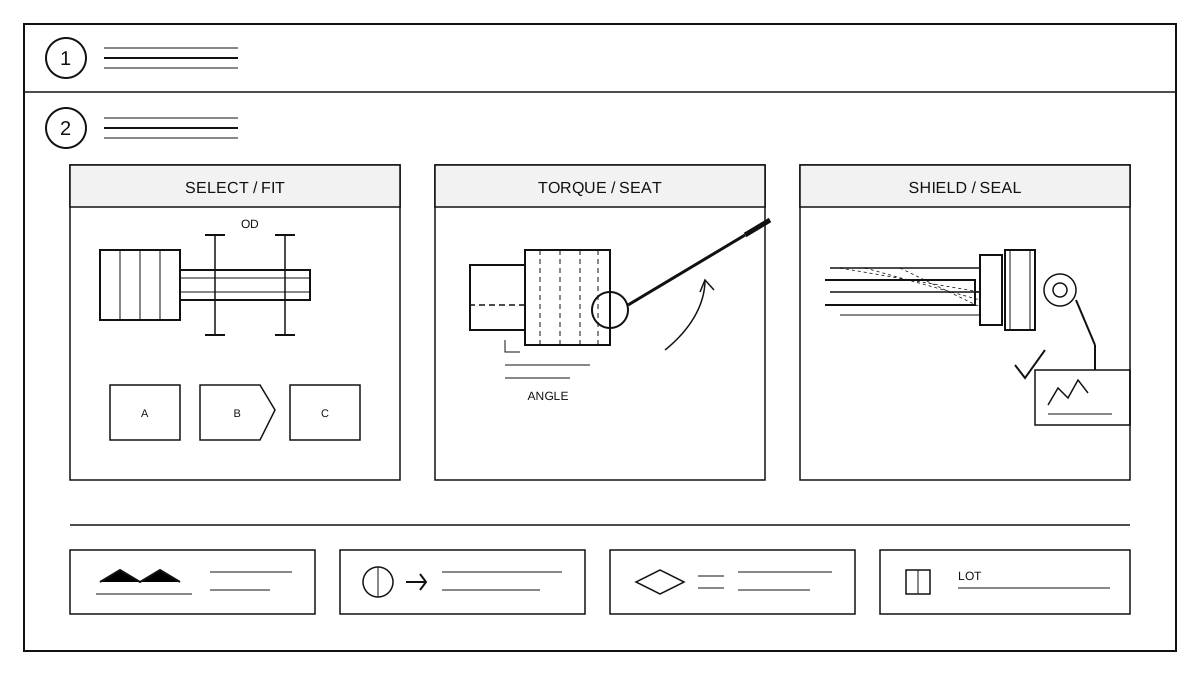
Backshells, clamps, shield rings, seals and caps are selected by connector series, cable outside diameter, bend radius, shield type, mounting space and environment. A general-purpose shell must not be forced onto a different connector series: thread size, locking style and cable exit direction must match. Mark the accessory part number, thread, exit angle and shield method on the drawing so the line can check them.
Assembly and tightening sequence
Install the seal, shield ring, clamp and backshell in the order given by the process document. Engage the thread by hand first, then tighten with a calibrated torque wrench to the value in the process document. Before tightening, confirm the harness is not twisted and no braid is trapped in the thread. For a multi-part shell, pre-tighten both sides and then apply final torque so one side is not loaded.
Shield closure and strain relief
Trim the braid to the length that fits the shield ring or clamp. After closing the ring, check for broken strands, exposed braid and gaps. The clamp must hold the cable jacket, not a single wire. Leave a short strain-relief section at the bend so the backshell root does not carry the bending load. Measure shield continuity after assembly.
Sealing and protection
Place the seal in its groove without twisting or cutting the edge. Follow the drawing for cable exit direction and fit the cap for transport and storage. Where potting or heat shrink is required, follow the process document and keep sealant away from the thread. After assembly, check that the seal is not exposed, the shell sits against the connector and the locking feature is engaged.
Inspection and batch records
Check accessory part number, thread, exit angle, torque mark, shield continuity, seal condition, locking feature and label. Record torque and shield resistance for the first piece, check assembly order during the run and recheck the last piece. For rework, remove the shield ring before changing an accessory; never force the shell to rotate. For the customization interface, see custom harness capability.